Pixel Art
Context
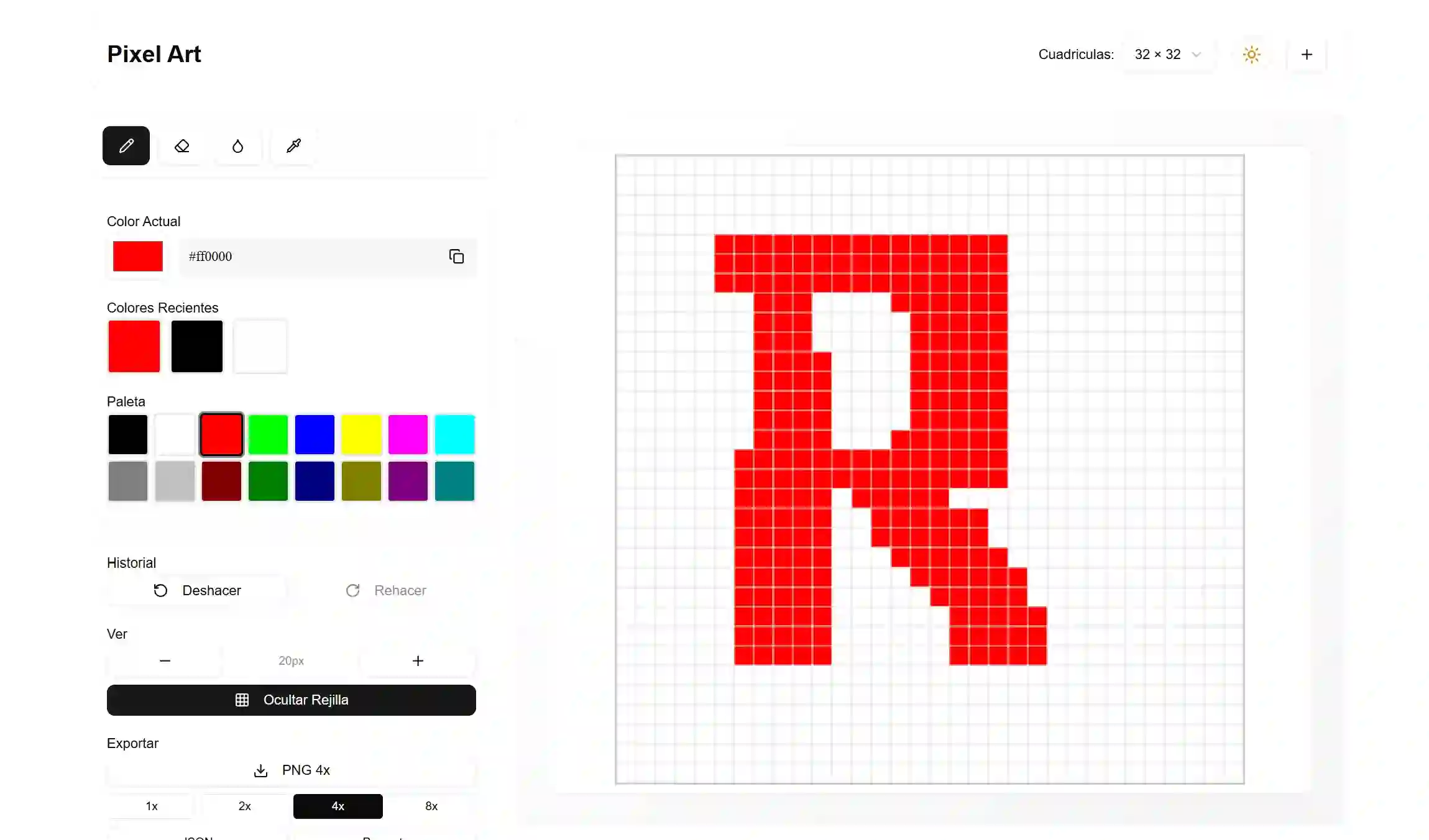
Pixel art web app using canvas, keyboard shortcuts and theme support.
Challenge
Drawing pixel by pixel has to feel immediate: turning pointer and keyboard events into canvas changes, with a clear interface on both a desktop and a phone, where the screen is small and a finger is the pointer.
Approach
The canvas is native, with no drawing libraries: drawing state and UI state (tool, color, grid) live separately in Zustand, so every stroke updates the data and repainting stays controlled. The palette, toolbar and keyboard actions are custom components pointing at the same actions —a single source of truth— and a use-mobile hook adapts the interface to the device.
Outcome
A lightweight creative experience that works without external editing dependencies: canvas, state and shortcuts are enough to produce complete drawings, light/dark theme included.
Responsibilities
- - Pixel art editor on native canvas (pixel-canvas) with grid and pixel-level painting
- - Color palette and toolbar in custom components (palette, toolbar) over Zustand state
- - Keyboard shortcuts grouped in an actions module, aligned with the interface buttons
- - Tool, color and grid state kept separate so every stroke repaints in a controlled way
- - Mobile adaptation with a custom use-mobile hook and light/dark theme with next-themes