Passkeys
Context
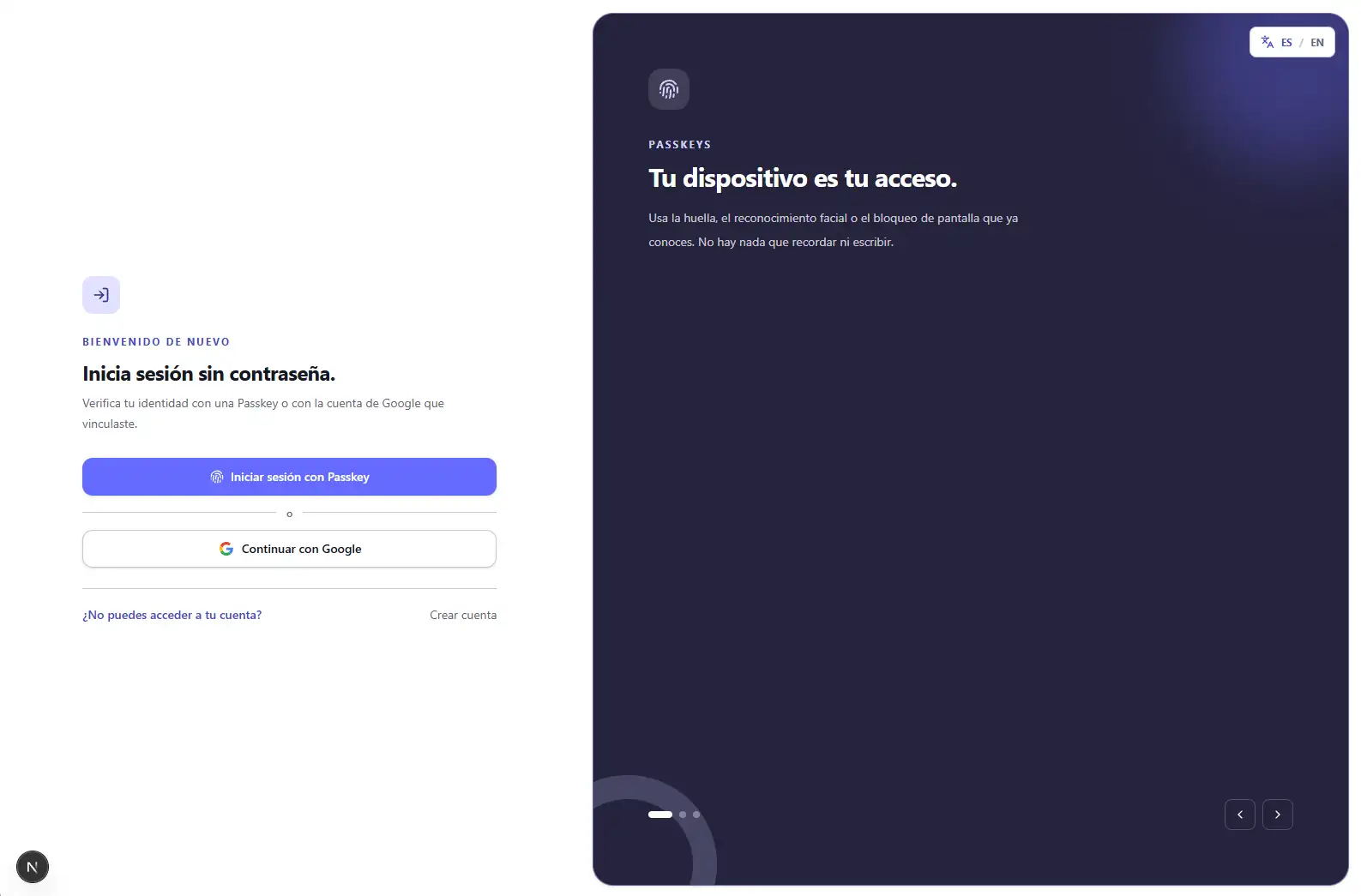
Passwordless authentication demo that uses Passkeys to replace traditional sign-in with secure device verification.
Challenge
Passwords are reused, leaked and vulnerable to phishing, but a passwordless alternative cannot be reduced to changing one button: it must solve registration, sessions, recovery and sensitive actions without creating new weaknesses. The challenge was to make the flow understandable for users and technically credible for anyone reviewing its architecture.
Approach
I built the frontend with Next.js and WebAuthn so the browser and operating system keep custody of the private key; the NestJS backend stores only the public credential and verifies signed responses. Sessions use opaque tokens stored only as hashes and HttpOnly cookies. Google OAuth is validated server-side using Google's subject, while OTP, Magic Links and backup codes provide recovery without introducing passwords. PostgreSQL and Prisma persist the required challenges and state, and sensitive operations require recent step-up verification with a Passkey or Google.
Outcome
A full stack demonstration that explains and lets people try phishing-resistant authentication without transmitting or storing passwords. The project documents the limits of an educational implementation, the frontend/API relationship and the decisions needed to evolve toward HTTPS deployment with a stable RP ID.
Responsibilities
- - Designed an educational experience comparing traditional authentication with Passkeys and guiding registration through the browser's native interface
- - Integrated WebAuthn ceremonies with SimpleWebAuthn for discoverable credentials and sign-in without a username or password
- - Built a NestJS API with Prisma and PostgreSQL for users, credentials, opaque sessions, WebAuthn challenges, Google OAuth and account recovery
- - Protected sessions with HttpOnly cookies, restricted CORS, CSRF, rate limiting and origin and RP ID validation
- - Implemented recovery with OTP, Magic Links and backup codes, separated from the normal session through RecoverySession
- - Created a responsive dashboard for managing Passkeys, Google, recovery, active sessions and additional step-up verification